Find matching media
Photos are compared using the enabled duplicate checks. Videos can be compared using sampled/static frames so matching video content can be identified efficiently.
Stage B analyses the media, finds matching photos and videos, groups duplicates together and ranks the preferred file to keep. The duplicate-output actions that were previously a separate Stage C now live directly inside Stage B.
Photos are compared using the enabled duplicate checks. Videos can be compared using sampled/static frames so matching video content can be identified efficiently.
Files that belong together are placed into duplicate groups rather than leaving the user to compare thousands of files manually.
When a group is resolved, the configured ranking preferences help identify the file that is preferable to keep.
The app now keeps the duplicate workflow in one place instead of sending you to a separate cleanup stage.
Run Stage B duplicate analysis across the current media structure.
This is the former Stage C Run action. It gathers Stage B duplicate results into the consolidated duplicate-output structure for review.
Delete the gathered duplicate outputs you no longer need while preserving reusable evidence for surviving media.
Clean generated filename suffixes when needed without creating another pipeline stage.
Finder Output shows the result customers need: duplicate groups, ranked files and media that did not match another item.
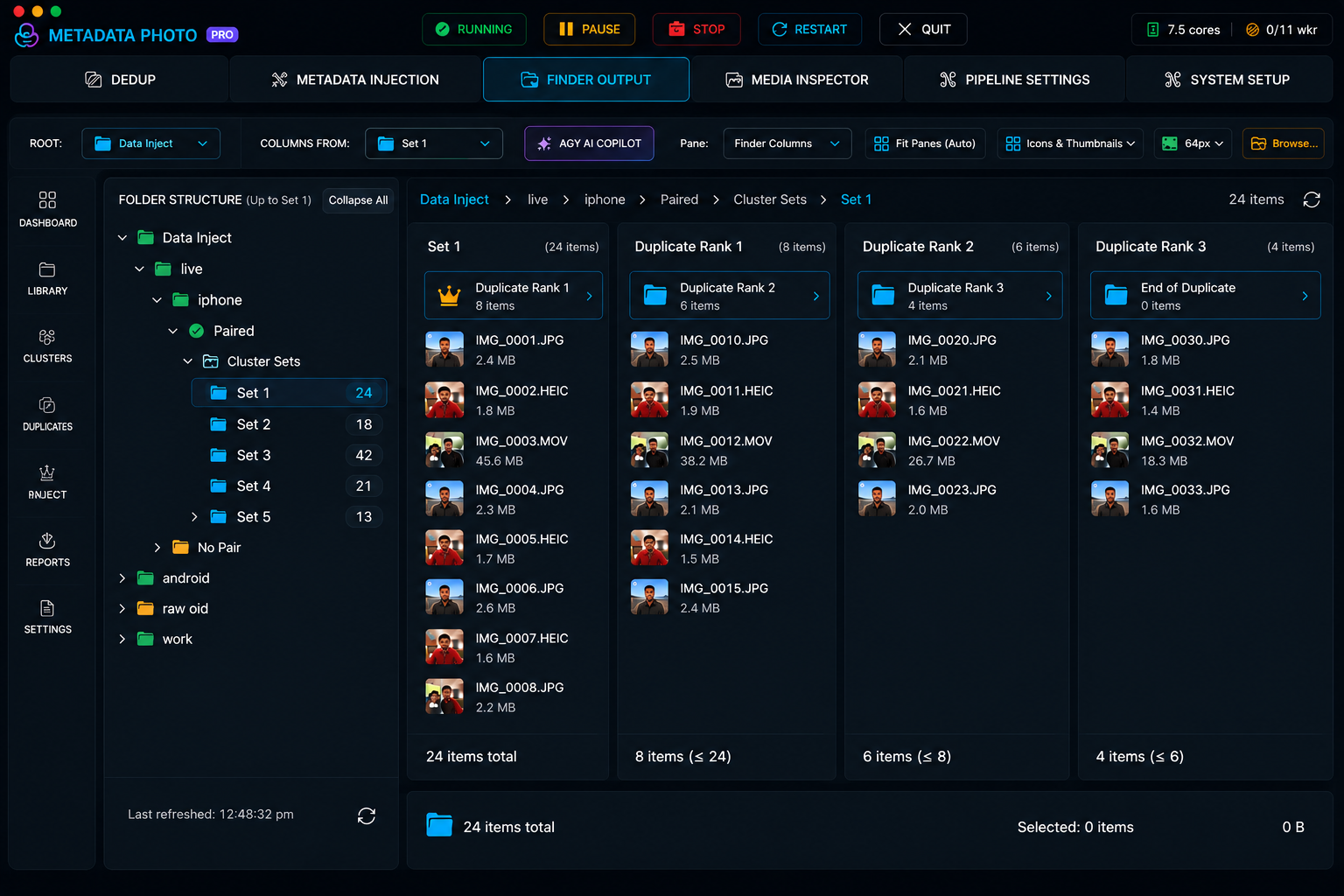 Open full-resolution Finder Output